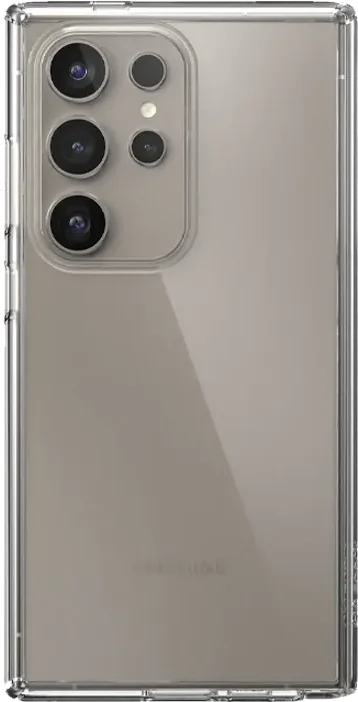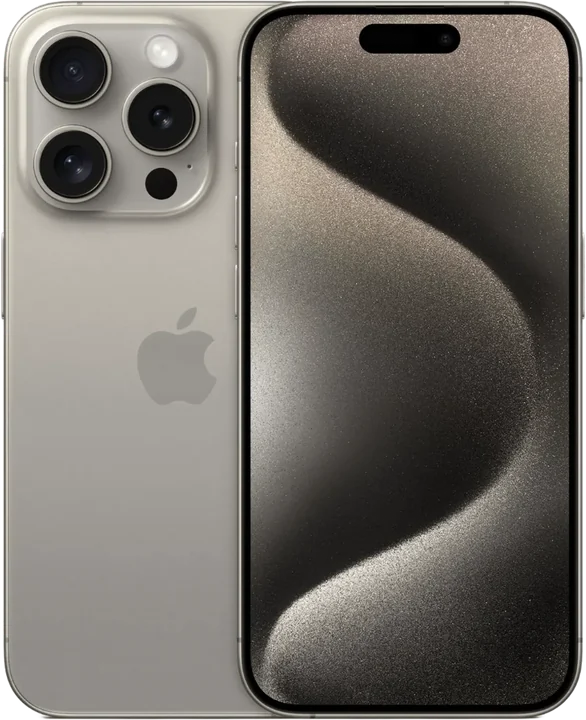
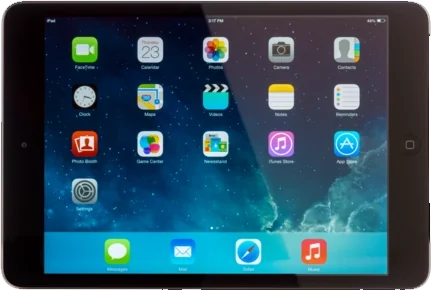
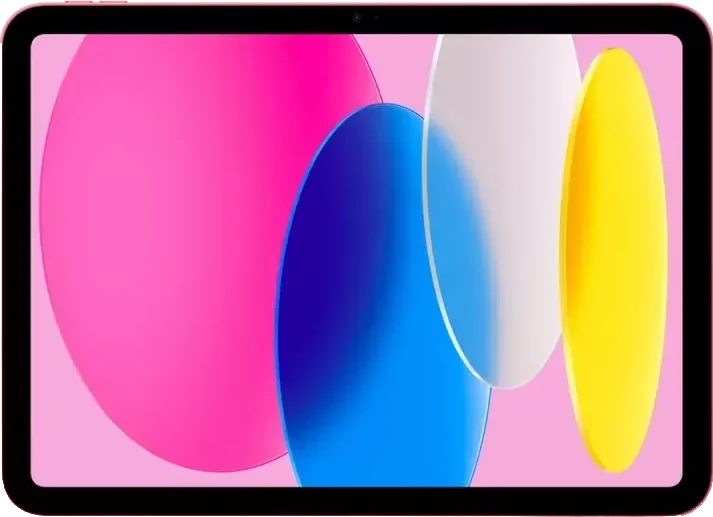
The Free Government Tablet and iPad Combo is our only combo with two tablets. It's designed for households where more than one person needs a screen for school, reading or video calls. You get one Android tablet and one Apple tablet, both free and refurbished for eligible customers who enroll in Combo Wireless service.
Is two tablets the right combo for you?
Be honest with yourself about how you'll use them. This combo makes the most sense when:
- You already have a phone you're happy with, compatible with the T-Mobile network (see bring your own phone).
- Two people in your home need a screen at the same time, like siblings doing homework.
- Nobody needs a physical keyboard for long writing. If they do, the tablet and laptop combo is a better fit.
If you'd rather have a new phone, choose the phone and tablet combo or the iPhone and iPad combo instead.
Galaxy Tab A9 vs. iPad: side by side
| Feature | Samsung Galaxy Tab A9 | iPad 7th Gen | iPad 9th Gen |
|---|---|---|---|
| Display | 8.7-inch LCD | 10.2-inch Retina | 10.2-inch Retina with True Tone |
| Software | Android with One UI | Does not run the newest iPadOS releases | — |
| Size | Light, one-hand friendly 8.7-inch body | — | — |
| Storage | Expandable with microSD card | — | — |
| Audio | Dual speakers with Dolby Atmos | — | — |
| Connector | USB-C | Lightning | Lightning |
| Chip | — | A10 Fusion | A13 Bionic |
| Security | — | Touch ID | Touch ID |
| Accessories | — | Apple Pencil (1st gen) and Smart Keyboard support | Apple Pencil (1st gen) and Smart Keyboard support |
| Front camera | — | — | 12MP ultra wide with Center Stage |
| Best for | Reading, video, schoolwork and telehealth on a portable screen | Web browsing, video and reading on a large Apple screen | Video calls, classes and apps with longer iPadOS support |
| Price (eligible) | Free, refurbished | Free, refurbished | Free, refurbished |
The Tab A9 is smaller and lighter with expandable microSD storage and a USB-C port. The iPads have larger 10.2-inch screens, Touch ID and Apple Pencil (1st gen) support. Your iPad model depends on availability and is confirmed before shipping.
Diagonal screen size in inches from manufacturer specifications. Foldables shown at main (unfolded) display size.
Source: manufacturer specifications (Apple, Samsung).
Setting up two tablets for a family
Separate accounts
Give each person their own Google Account on the Tab A9 and Apple Account on the iPad so apps and progress stay separate.
Parental controls
Use Google Family Link on the Tab A9 and Screen Time on the iPad to set limits for kids.
Getting online
Both connect over home Wi-Fi. Away from Wi-Fi, connect them to your phone's hotspot, which uses your plan's data allowance.
Shared content
Apps like YouTube, Netflix, Kindle and Google Classroom run on both platforms with the same login.
Eligibility
One Lifeline benefit is allowed per household, and this combo comes with that one service line. Qualify through SNAP/EBT, Medicaid, SSI, other federal programs or income. Our free tablet with EBT guide explains the link between food assistance and tablet offers.
How to apply
- Apply online and select the Tablet & iPad combo.
- Complete verification.
- Activate your service line on your own compatible phone.
- Both tablets ship with free standard shipping.
Tablet and iPad combo FAQs
Why would I choose two tablets?
It suits households where two people need screens at the same time and the account holder already has a compatible phone for the service line.
Can both tablets be iPads?
No. This combo pairs one Galaxy Tab A9 with one iPad, because we don't repeat device types within a combo.
Do the tablets have phone numbers?
No. The combo's single service line is on your phone. The tablets use Wi-Fi or your phone's hotspot.
Are the tablets new?
No. Both are refurbished and include the standard manufacturer or provider warranty where applicable.