Medicaid doesn't supply iPads, and Lifeline doesn't pay for devices. But Medicaid enrollment qualifies your household for Lifeline service, and Combo Wireless includes a free refurbished iPad in four device combos for eligible customers who enroll.
Why many Medicaid members choose an iPad
For health-related use, the iPad's larger screen and built-in accessibility tools are a real advantage:
Telehealth on a 10.2-inch screen
See your doctor clearly during video visits. The iPad 9th Gen's Center Stage camera keeps you in frame as you move.
Larger text and Magnifier
Increase text size system-wide, or use the Magnifier to read medication labels.
VoiceOver and Speak Screen
Have the iPad read screens, emails and documents aloud.
Medication reminders
Use Reminders or your health plan's app to track appointments and refills.
Accessibility features vary by iPadOS version. The iPad 9th Gen supports newer versions than the 7th Gen.
Combos that include an iPad

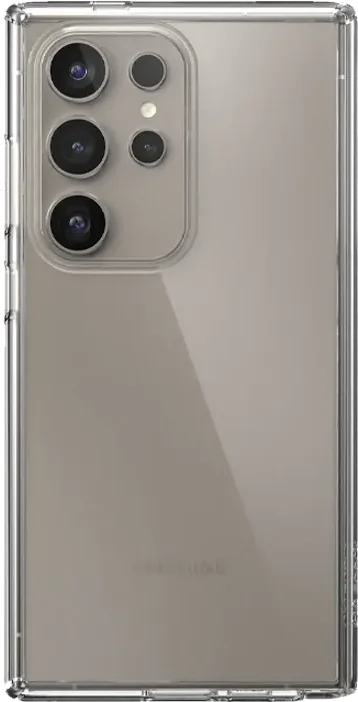
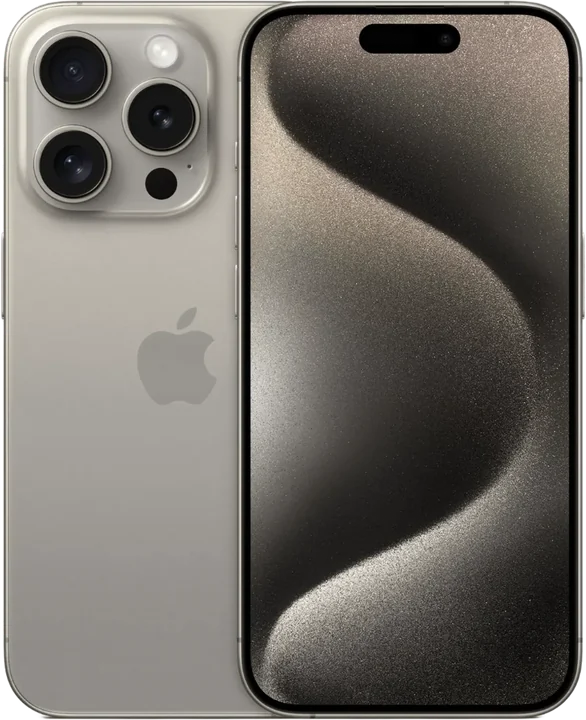
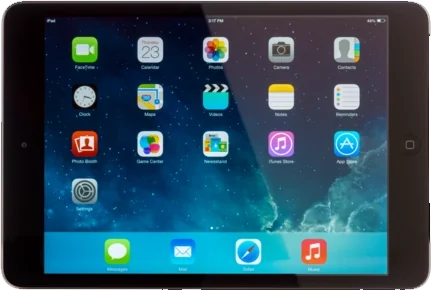

For seniors who want the simplest setup, the iPhone & iPad combo keeps both devices on one Apple Account, so FaceTime calls from family ring on both.
iPad 7th Gen vs. 9th Gen
| Feature | iPad 7th Gen | iPad 9th Gen |
|---|---|---|
| Display | 10.2-inch Retina | 10.2-inch Retina with True Tone |
| Chip | A10 Fusion | A13 Bionic |
| Security | Touch ID | Touch ID |
| Accessories | Apple Pencil (1st gen) and Smart Keyboard support | Apple Pencil (1st gen) and Smart Keyboard support |
| Connector | Lightning | Lightning |
| Software | Does not run the newest iPadOS releases | — |
| Front camera | — | 12MP ultra wide with Center Stage |
| Best for | Web browsing, video and reading on a large Apple screen | Video calls, classes and apps with longer iPadOS support |
| Price (eligible) | Free, refurbished | Free, refurbished |
Qualifying with Medicaid
- Any household member's Medicaid counts, including Medi-Cal in California.
- If you're a "dual eligible" with both Medicare and Medicaid, your Medicaid qualifies you. Medicare alone does not.
- Keep a Medicaid eligibility letter dated within 12 months in case verification asks for it. See documents.
Qualifying through a program is an alternative to qualifying by income.
Source: USAC Lifeline Support – How to Qualify; USAC – Tribal Eligibility; CPUC – California LifeLine Eligibility
How to apply
- Choose an iPad combo and apply online, selecting Medicaid as your program.
- Complete Lifeline verification.
- After approval, your service line is set up (on a new phone, or your own for iPad & Laptop and Tablet & iPad combos).
- Your devices ship with free standard shipping.
Free iPad with Medicaid FAQs
Is the iPad free with Medicaid?
The iPad is free for eligible customers who qualify for Lifeline (for example, through Medicaid) and enroll in Combo Wireless service.
Can a caregiver apply for me?
The application must be completed and certified by the person applying for the benefit. A caregiver can help you fill it out, but you must review and agree to the certifications yourself.
Does the iPad have its own data plan?
No. It connects over Wi-Fi or your phone's hotspot. The combo includes one service line.