
Before you apply
- Check eligibility. Qualify through SNAP, Medicaid, SSI, other programs or income.
- Make sure no one in your household already has Lifeline. If they do, you can transfer it instead.
- Check coverage at your address on the T-Mobile network.
- Pick your combo. Compare all nine on combo deals.
- Have a document ready, just in case: a recent benefit letter or income proof (see list).
Step 1: Apply online
Our application takes about 10 minutes. You'll enter your name, date of birth, residential address, contact details, qualifying program and combo choice, and you'll review the required Lifeline certifications. We only collect what's needed for eligibility, enrollment and activation. We don't ask for your Social Security number on our form.
Step 2: Verification
Your eligibility is confirmed through the Lifeline verification process: the National Verifier in most states, or the California LifeLine Administrator in California. Many applicants are verified automatically. Others are asked for a document.
Step 3: Approval and activation
Once approved, we set up your line with unlimited talk & text and a qualifying data allowance on the T-Mobile network. If you're switching, we transfer your number.
Step 4: Delivery
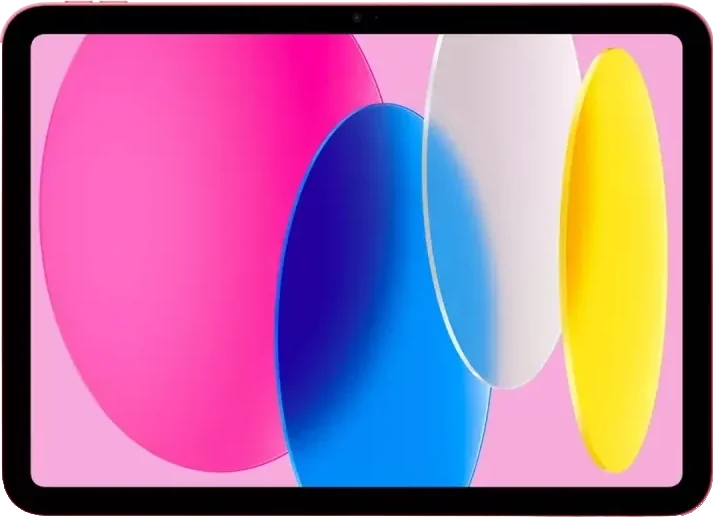
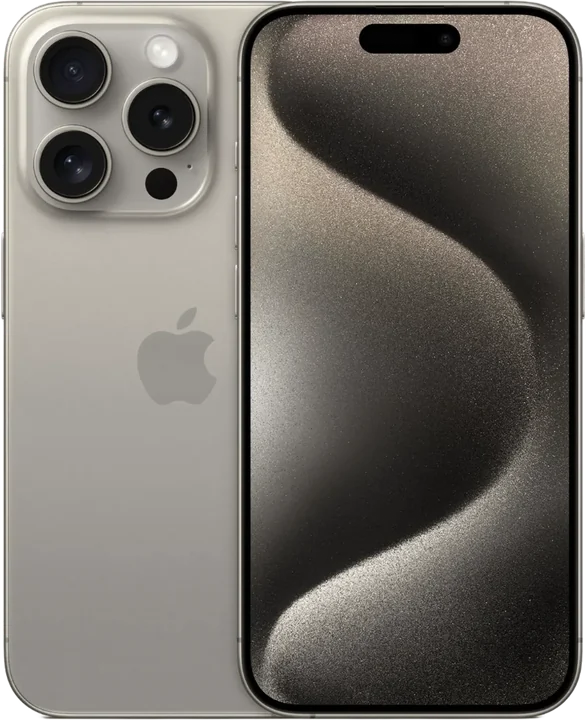
Your two free refurbished devices ship with free standard shipping. Follow the activation steps to get connected.
After you're connected
Staying enrolled takes three habits:
- 130 days with no usage
Using your line at least once in 30 days (a call, text or data session) keeps it active.
- 215-day notice
Your provider must notify you and give you 15 days to use the service.
- 3Use it or lose it
If the line is still unused after the notice period, the Lifeline benefit is removed.
Source: FCC – Lifeline Support for Affordable Communications
- Use your line at least once every 30 days.
- Recertify every year.
- Tell us within 30 days if you move or no longer qualify.
How it works FAQs
How long does the whole process take?
The application itself takes about 10 minutes. Verification time varies. Automatic checks can be quick, while document reviews take longer. Your devices ship after approval and activation setup.
Can I apply for someone else?
You can help someone, but the applicant must provide their own information and personally agree to the certifications.